
How to add your hotel to lodging-world.com
Learn how to easily add your hotel to Lodging-World.com and reach a wider audience. Follow our step-by-step guide today!
What is Lodging-world.com and why is it important?
Lodging-world.com is a website where travelers can search and book accommodations worldwide. Listing a hotel on the site can increase its visibility and bookings, as well as provide useful tools for managing listings and optimizing guest experiences.
Step-by-step guide to add your business to Lodging-world.com
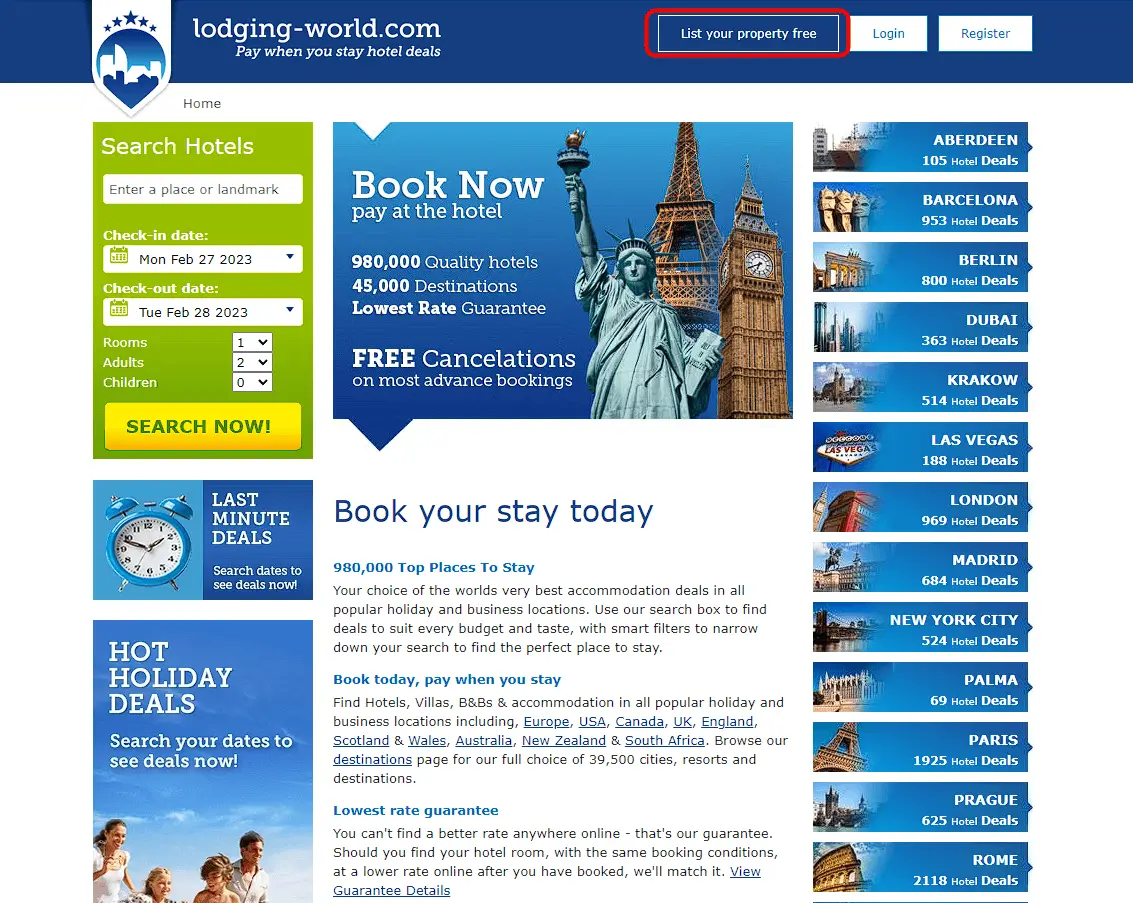
- Go to the eDreams website (https://www.lodging-world.com/) and click “List your property free” button.
- Scroll down the page and fill out your property details. Such as, Property name, type, address and contact details.

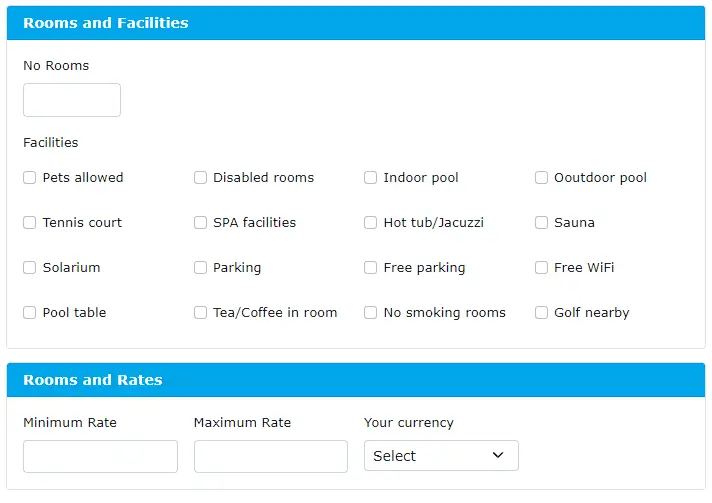
- Add your property room information and amenities provided.
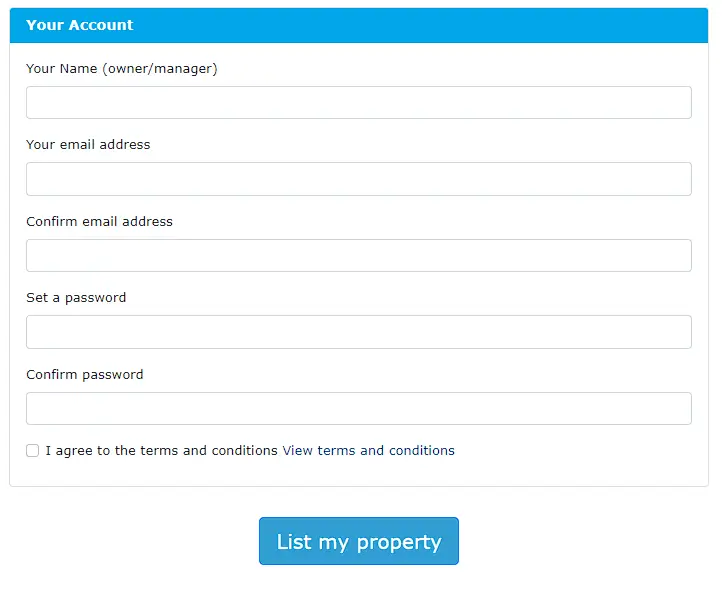
- Provide your personal information (owner/manager) and create an account.
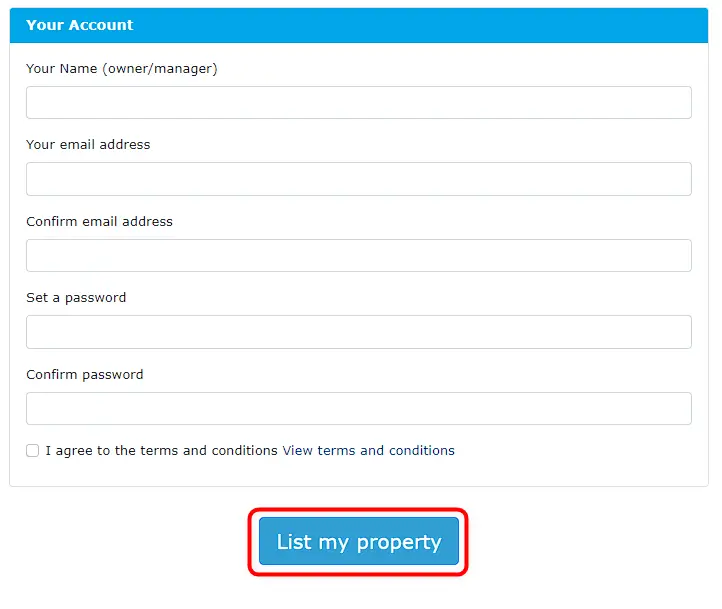
- Once all information is provided, click the “List your property” button under the your account section.
- Lodging-world.com will send a verification email to your email address, verify it by clicking on it.
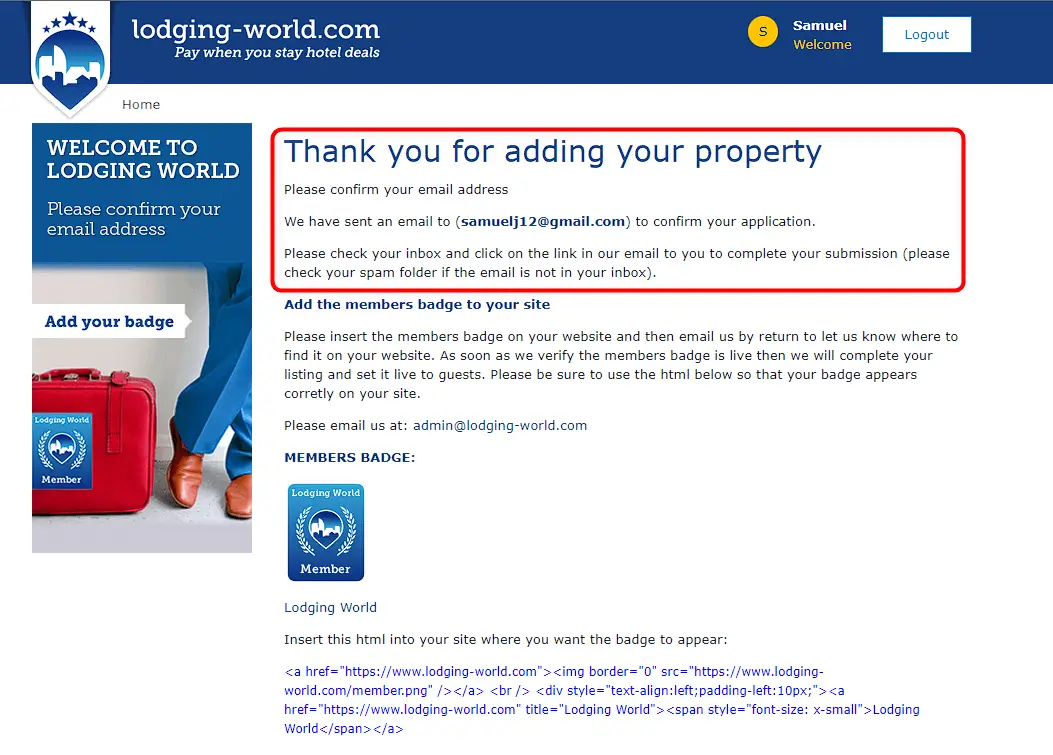
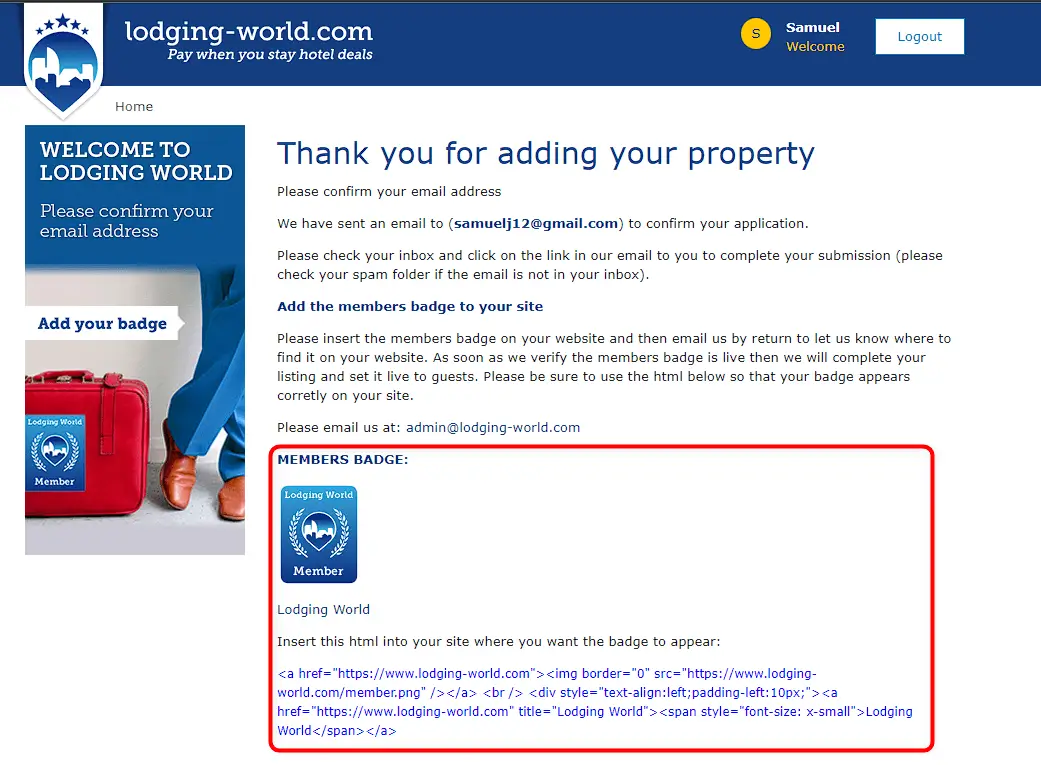
- Additionally, you can add a Lodging-world.com Member Badge to your website by using the embedded script provided.
- Once your property is verified, it will be listed on Lodging-world.com, and you can start receiving reservations from travelers all over the world.
In summary, joining a network group on Lodging-world.com is a great way to connect with other customers who are looking for travel, accommodation and transport.
