
How to List a Business on Foursquare: Optimize & Manage Foursquare Business Listings
Learn how to list, optimize, and manage Foursquare business listings to improve map visibility, data accuracy, and local SEO performance.
Even at this stage, you might still be wondering whether anyone actually uses Foursquare anymore.
Most agency clients haven’t asked about Foursquare in years. And with the Foursquare City Guide app officially sunset on December 15, 2024, it may be easy to assume the platform no longer matters.
That assumption is costly.
Foursquare has now evolved into a location data engine. Its Places database powers address, category, and brand signals for apps like Uber, X (formerly Twitter), Pinterest, Samsung and other downstream platforms.
So even if nobody checks in, your client’s business data still travels across the mobile internet. Optimizing Foursquare listings today is about ensuring your client exists correctly in the data layer that feeds maps, routing, and discovering apps.
TLDR: How To List a Business on Foursquare
Foursquare still powers map and location data for major platforms
- Search for existing venues first to avoid duplicates
- Claim through the Foursquare claim portal
- Verify ownership by phone, postcard, or credit card
- Choose precise categories
- Write tight, utility-driven descriptions
- Upload standardized merchant photos
- Monitor Foursquare “Tips” like reviews
- Use bulk tools to manage multi-location brands and prevent data drift
Step 1: Claiming and Verification (The Basics)
Before optimization comes ownership. Foursquare listings fall into two buckets:
- User-generated listing (created by anyone).
- Claimed business listing (verified by the business owner).
User-generated listings are the reasons Foursquare is notorious for duplicates, outdated addresses, and incorrect categories.
- Search for Your Listing or Create One
Always start with a search. Go to the Foursquare venue claim portal and type the business name and city.
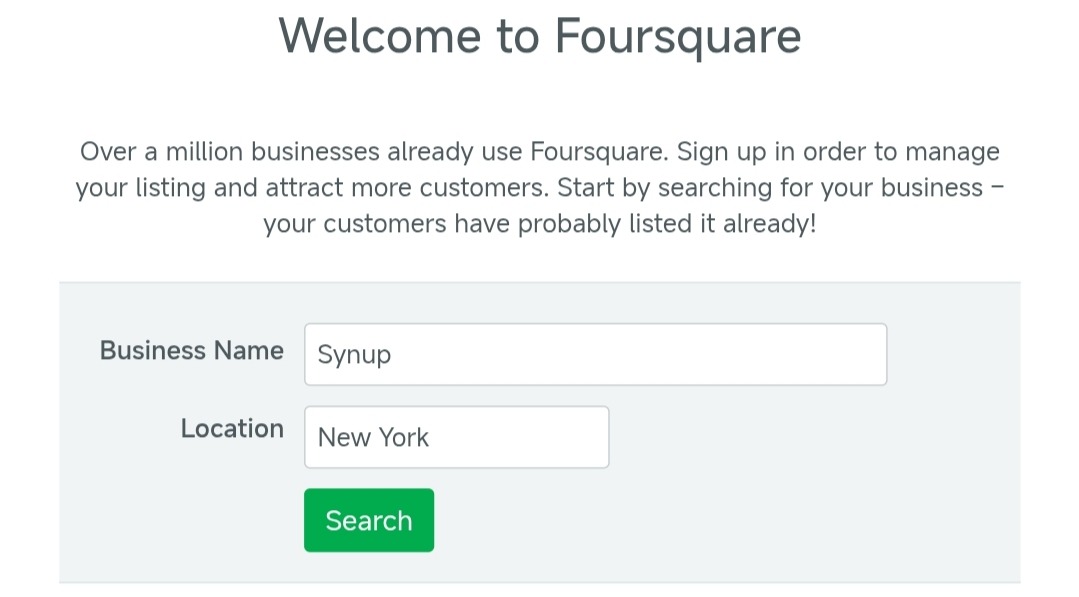
Source: Foursquare
- Access the Foursquare Business Claim Portal
Check for variations and old addresses. Foursquare will surface potential matches. If the listing exists, claim it. Confirm that you represent the owner and agree to the terms.
If nothing shows, create a new listing carefully using accurate NAP details.
- Now, Verification
Foursquare usually offers three verification options:
- Phone verification with an automated code.
- Postcard verification, mailed to the address.
- Credit card verification with a small charge.
The phone number option is the fastest. Postcard works when phone lines route through call centers. Credit card works when neither option fits.
The Brand Chain Challenge
However, bulk verification isn’t automatically available. Foursquare gates it to prevent fraudulent claims and protect business data at scale.
Because brand-level access involves managing multiple listings, Foursquare may request additional documentation to confirm brand affiliation before enabling bulk access. This can include proof of brand ownership, a corporate email domain, and a list of associated venue URLs.
Businesses managing between 0 and 100 locations can also submit details through Foursquare’s official bulk verification form to initiate the review process.
Without this documentation, requests are reviewed manually, which can significantly slow onboarding.
Step 2: Optimization (Feeding the Data Graph)
Once claimed, optimization determines how well that data travels downstream.
Selecting a Category
Foursquare uses a deep category tree. Choosing the right category improves how listings map into Apple Maps and other apps.
Do not pick Restaurant if your client runs a ramen spot. Pick Ramen Restaurant instead.
Also, do not pick Dentist if the office focuses on kids. Pick Pediatric Dentist.
Broad categories dilute relevance, but specific categories strengthen it.
Next Up… Descriptions.
Foursquare supports short and long descriptions, but utility beats storytelling.
Apps that ingest Foursquare data often parse early text fields more heavily, so lead with actionable attributes.
- Free WiFi
- Outdoor Seating
- Wheelchair Accessible
- Dog Friendly Patio
Avoid long paragraphs about brand values. Do not write three paragraphs about community commitment. Instead, state parking details, reservation info, and service highlights.
Now, Photos
User photos appear automatically, but merchant photos control the header.
Make sure you upload:
- Clear exterior shots (helps drivers locate the storefront)
- Interior shots showing layout
- Product or service highlights
- Team photos, where relevant
If you manage a salon chain with 18 locations, standardize the visual grid. Same hero angle. Same logo placement. Same lighting style.
Managing This at Scale
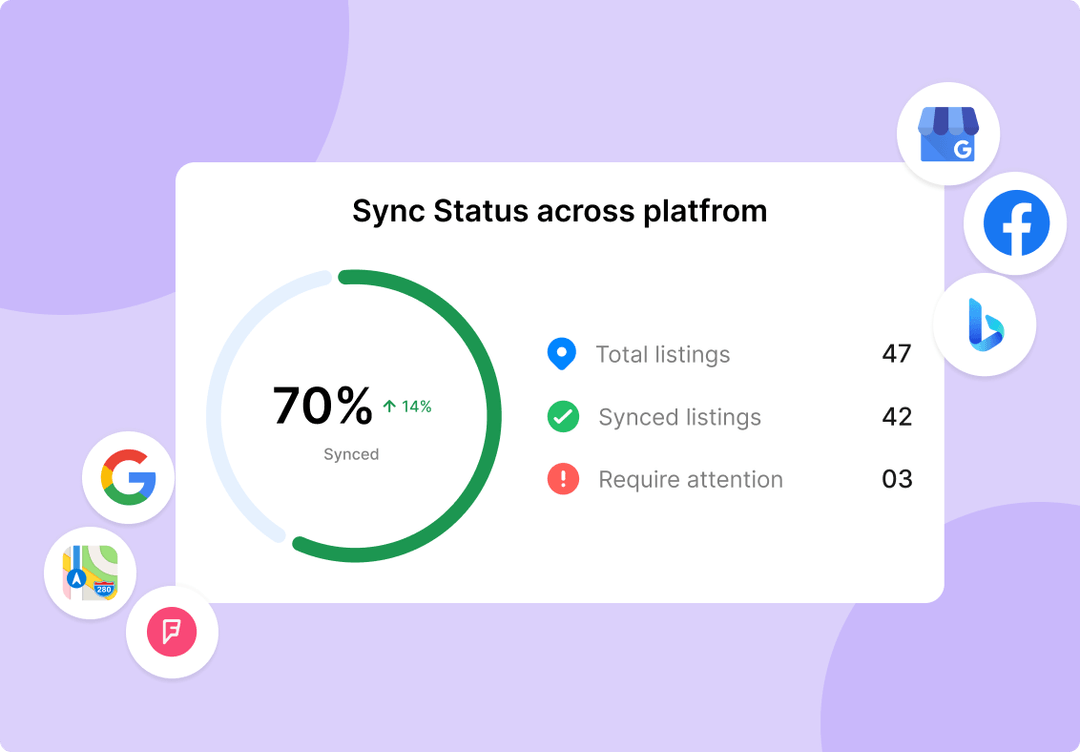
Source: Synup
This is where platforms like Synup (now serving over 600,000 businesses) become operationally important. The local listing tool supports 500+ data fields. With one dashboard, you can update once and sync everywhere.
You can push consistent photos to Foursquare and 50+ directories at the same time.
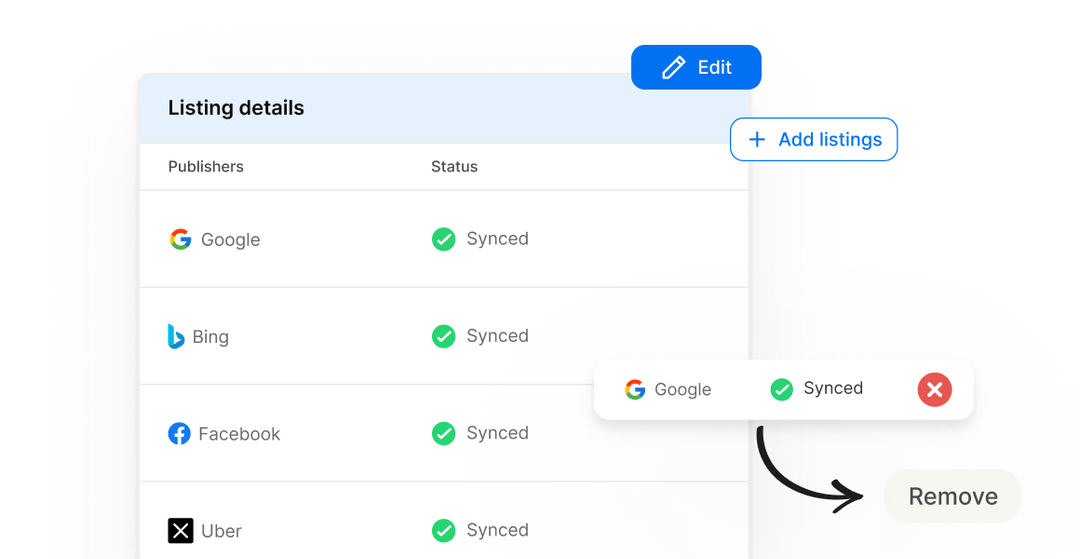
Source: Synup
Bulk location management tools like this give you the ability to:
- Bulk add new locations
- Bulk update holiday hours
- Bulk remove closed stores
- Automate recurring updates with workflows
Let’s put this into perspective: If updating one listing manually takes 12 minutes and you manage 60 locations across five directories, that is 60 times 5 times 12 minutes. That equals 3600 minutes. Sixty hours.
That is a week and a half of one employee’s time.
Step 3: Managing “Tips” versus “Reviews”
Google has Reviews. Foursquare has Tips. There is a big difference.
The Distinction
Reviews are usually a rant or a rave. Tips are actionable advice.
Examples:
- “Sit near the window for quieter meetings”
- “Cold brew is better than latte”
Because Foursquare data feeds other platforms, negative or misleading tips can affect the knowledge graph of a business.
The Agency Strategy
Encourage your clients to leave a few "seeded tips" that highlight real differentiators:
- Best time to visit
- Ideal use cases
- Location-specific advice
Monitoring tips is just as important as monitoring reviews, especially when managing reputation across less obvious platforms.
The Synup Advantage
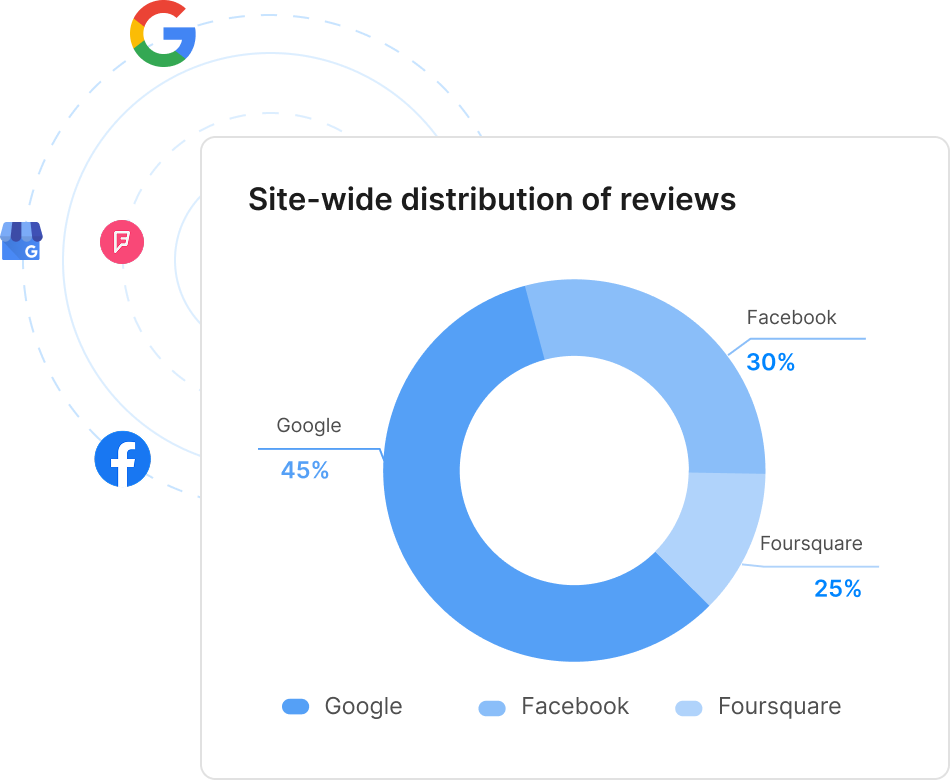
Synup treats Foursquare as a core part of its review network. It pulls these Tips into your main feed. You can keep an eye on what people are saying without having to log in to Foursquare every day.
Because centralized monitoring matters, Synup includes Foursquare within its review publisher network.
Source: Synup
When clients see you actively monitoring even niche platforms, they feel covered. And that reduces churn.
So, if you are evaluating the top local SEO tools, make sure niche publisher monitoring is on your checklist.
Step 4: Special Offers and Swarm
Remember the Swarm app (by Foursquare)? It is still very much around. Even with lower usage, Swarm still sends freshness signals.
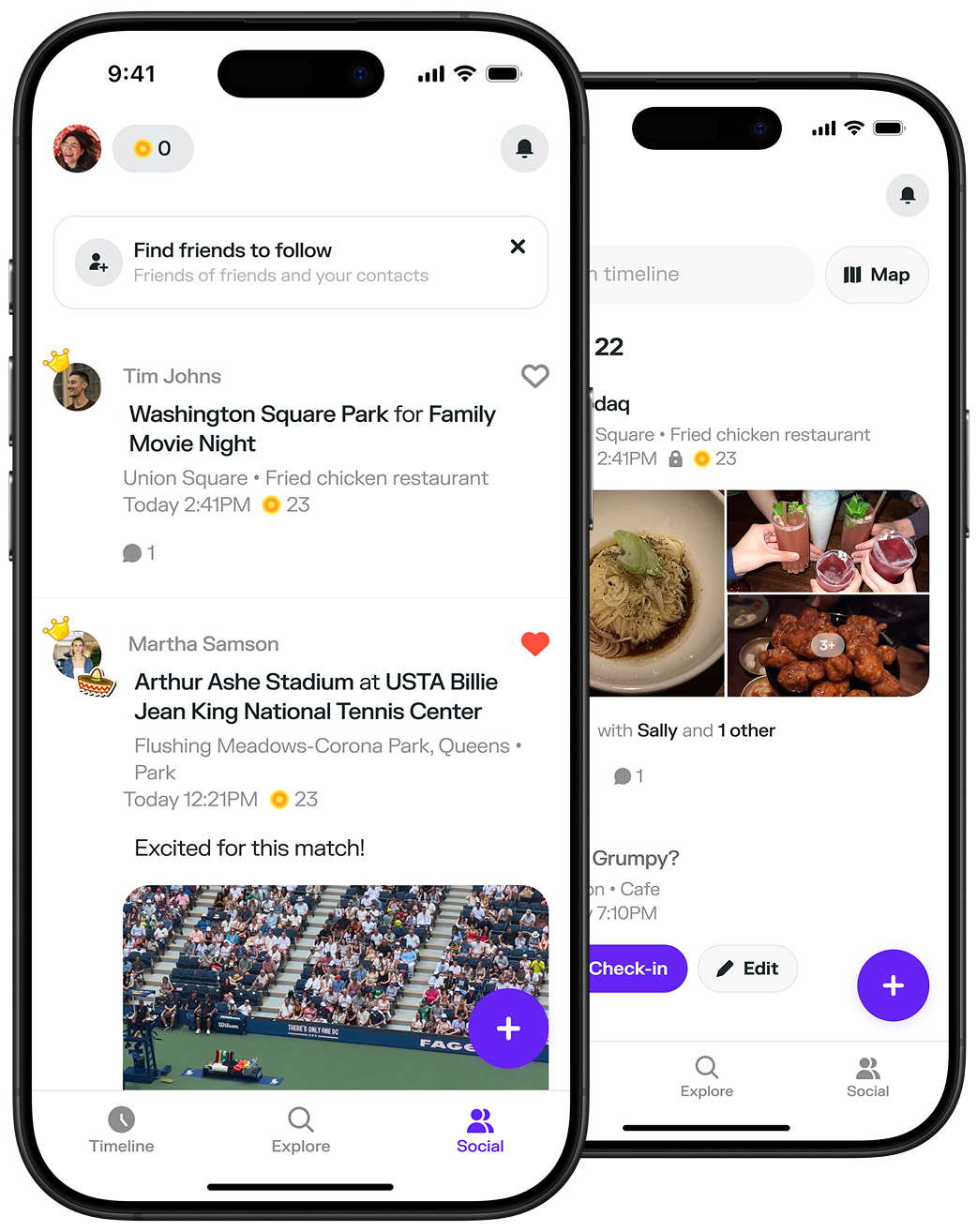
Creating a "Check-In Special" (like a free drink on the third visit) communicates to data aggregators that the business is alive, open, and still well-managed. Plus, it is an easy win to show a client that you are pulling every lever possible to get people through the door.
Conclusion
Listing a business on Foursquare isn't about the app; it is about the map. For agencies, optimization here keeps your clients visible across the broader location data ecosystem.
Using tools like Synup helps you manage this at scale without manual work, saving you thousands of dollars each month on extra working hours.
FAQs
- How do you list a business on Foursquare for free?
Search for the venue on Foursquare, claim it through the business portal, verify ownership, and optimize the listing. Listing and claiming are free.
- What are the criteria for listing on Foursquare?
The business must have a physical location that customers can visit. It must operate legally and provide accurate address and contact information. Purely virtual businesses without storefronts typically do not qualify.
- What are the benefits of listing on Foursquare?
Foursquare data feeds major apps like Uber and Apple Maps. Accurate listings improve routing, discoverability, brand consistency, and performance in mapping queries through precise category and attribute data.
Accurate listings also support broader SEO efforts. For deeper integration, an all-in-one local listing platform (like Synup OS) that combines listings management with SEO is essential.
