
How to Post a Video on Pinterest
Learn how to post a video on Pinterest with this step-by-step guide. Discover the simple process of sharing your videos on Pinterest and reach a wider audience.
Pinterest isn't just for sharing images; it's also an effective tool for promoting your business through videos. As the rise of short-form content has more brands trying their hands at video production, it may be time to put your skills to use on Pinterest! Read on for a walk through of how to post a video on Pinterest. We'll also explore why posting videos can be beneficial for businesses, along with tips on creating video content that converts and engages your audience!
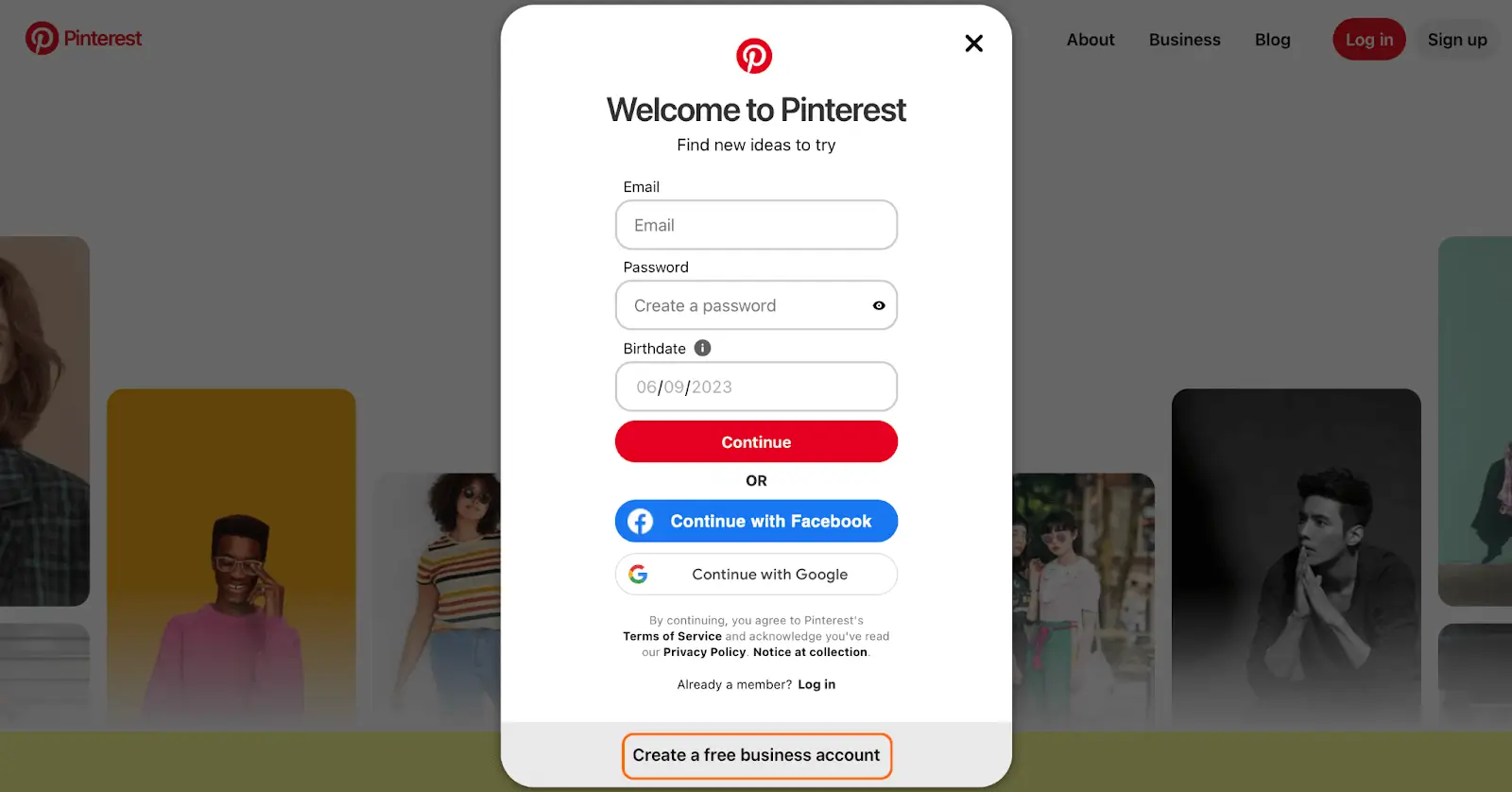
Step 1: Sign in or create an account. Go to Pinterest and sign in to your existing account or create a new one. Make sure your account is set up as a business account!
Step 2: Create a pin. Once signed in, click on the "+" icon located at the top-right corner of the Pinterest homepage. Select "Create Pin" from the dropdown menu.
Step 3: Upload your video. Click the "Choose Image or Video" button and select the video file from your computer or device.
Step 4: Add video details. Fill in the necessary details for your video, including a compelling title, relevant description, and appropriate tags. Optimize your video description and tags using relevant keywords to improve searchability.
Step 5: Choose a board for your video. If it makes sense, you can create a new board specifically for video content!
Step 6: Publish your video. Once everything looks good, click the "Publish" or "Save" button to make your video live on Pinterest.

To maximize the effectiveness of your video content on Pinterest:
- Keep it short and engaging: Aim for concise videos that capture your audience's interest within the first few seconds.
- Showcase your products or services: Use videos to highlight your offerings, demonstrating their value and unique features. Show how your products can be used or incorporated into customers' lives.
- How-to guides and tutorials: Educational videos that provide valuable information or teach a skill related to your products or services build trust and position your business as an expert in your field.
- Behind-the-scenes sneak peeks: Give your audience a glimpse into your brand's day-to-day operations, product development, or events. This fosters a sense of transparency and connection with your brand.
- User-generated content: Encourage your customers to create and share videos featuring your products or services. This not only amplifies your reach but also builds social proof and trust.
By creating compelling and relevant video content, you can engage your audience, increase brand visibility, and drive conversions. Start utilizing the power of videos on Pinterest for your business today! Happy pinning ~
