
How do I recover my Google business listing?
Learn how to recover your lost or stolen Google business listing with this step-by-step guide. Discover the best practices to ensure your listing is secure and optimized for maximum visibility on Google. Read now on Synup.com.
What is Google Business Listings and Why it is Important?
Business Owners to be aware of Google Business Profile or called Google My Business. Google Business Listings is a free tool provided by Google for businesses to manage and optimize their business information across Google. It facilitates client engagement, develops credibility, and boosts online visibility. In the current digital era, any company that wants to prosper online and remain competitive must have a thorough and accurate Google Business Listing. Also, it offers insightful information on consumer behaviour and assists companies in gaining more clientele, enhancing their online reputations, and ultimately expanding their operations.
Step-by-Step Guide to Recover Google Business Listing
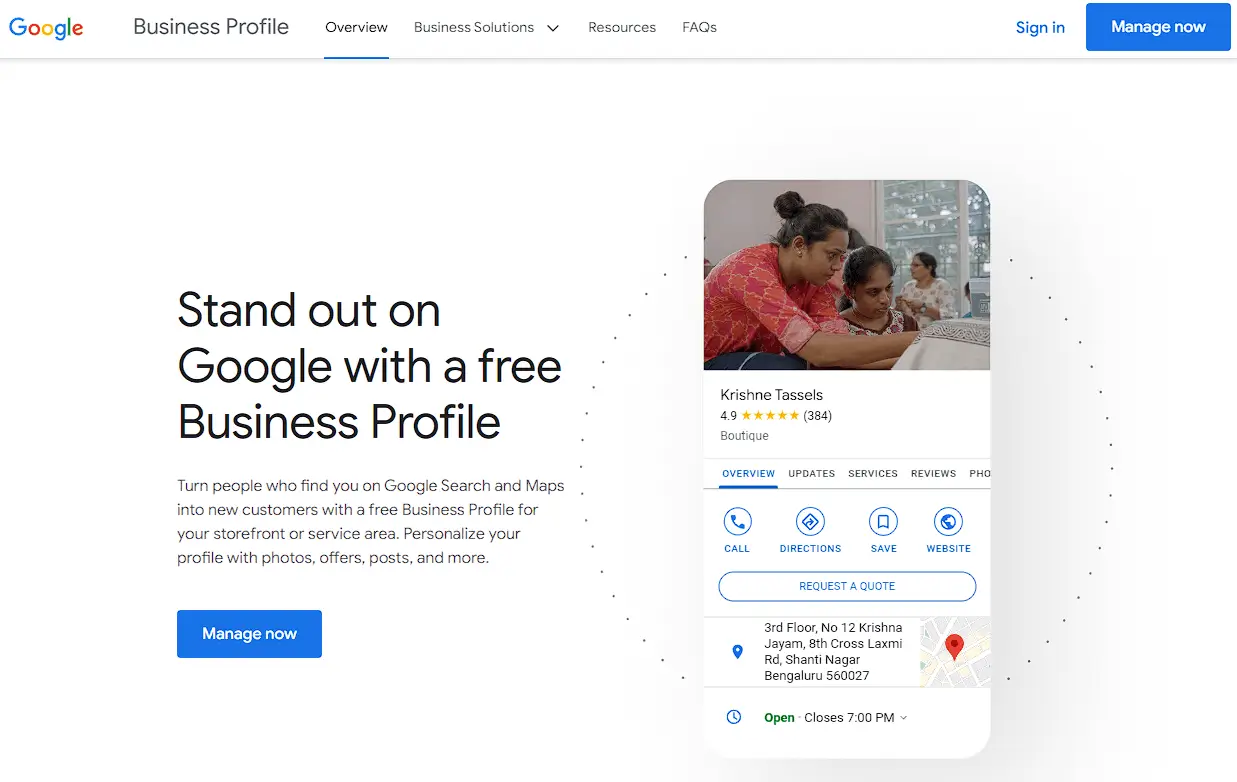
- Go to the Google My Business website at https://www.google.com/business/.
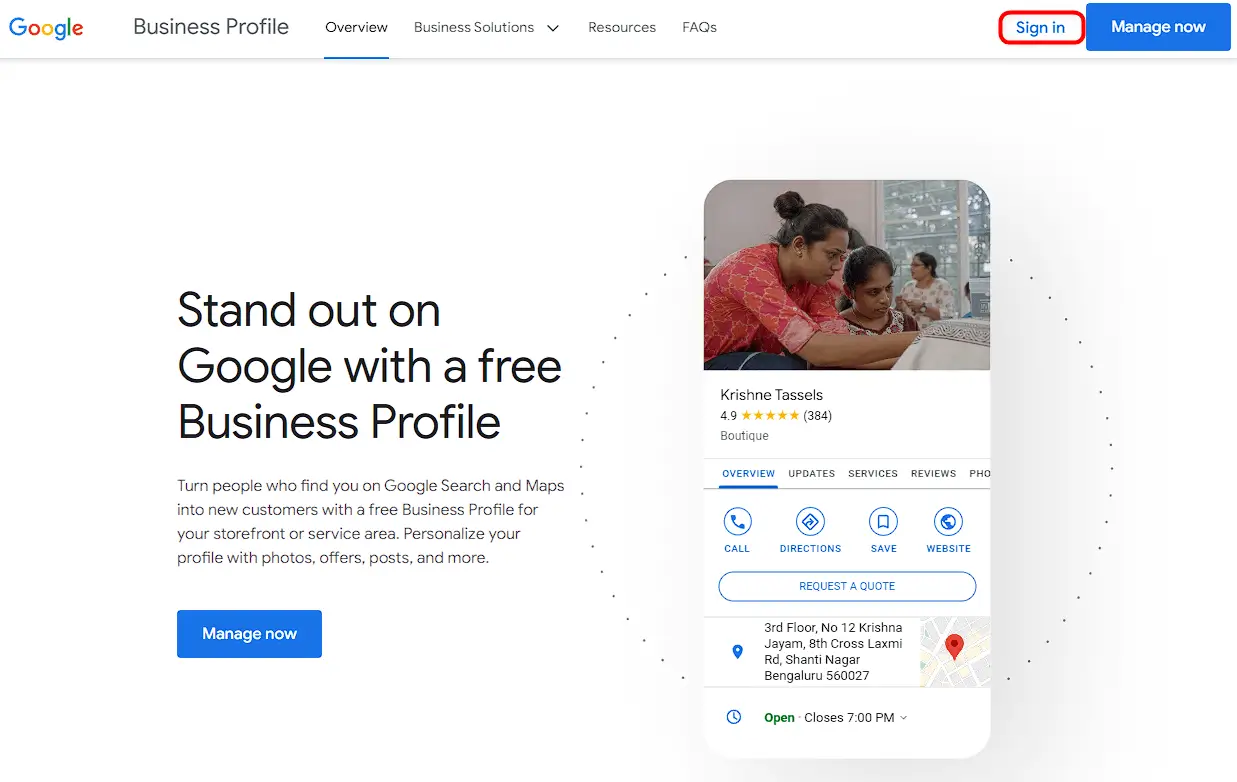
- Click "Sign In" in the top right corner of the page.
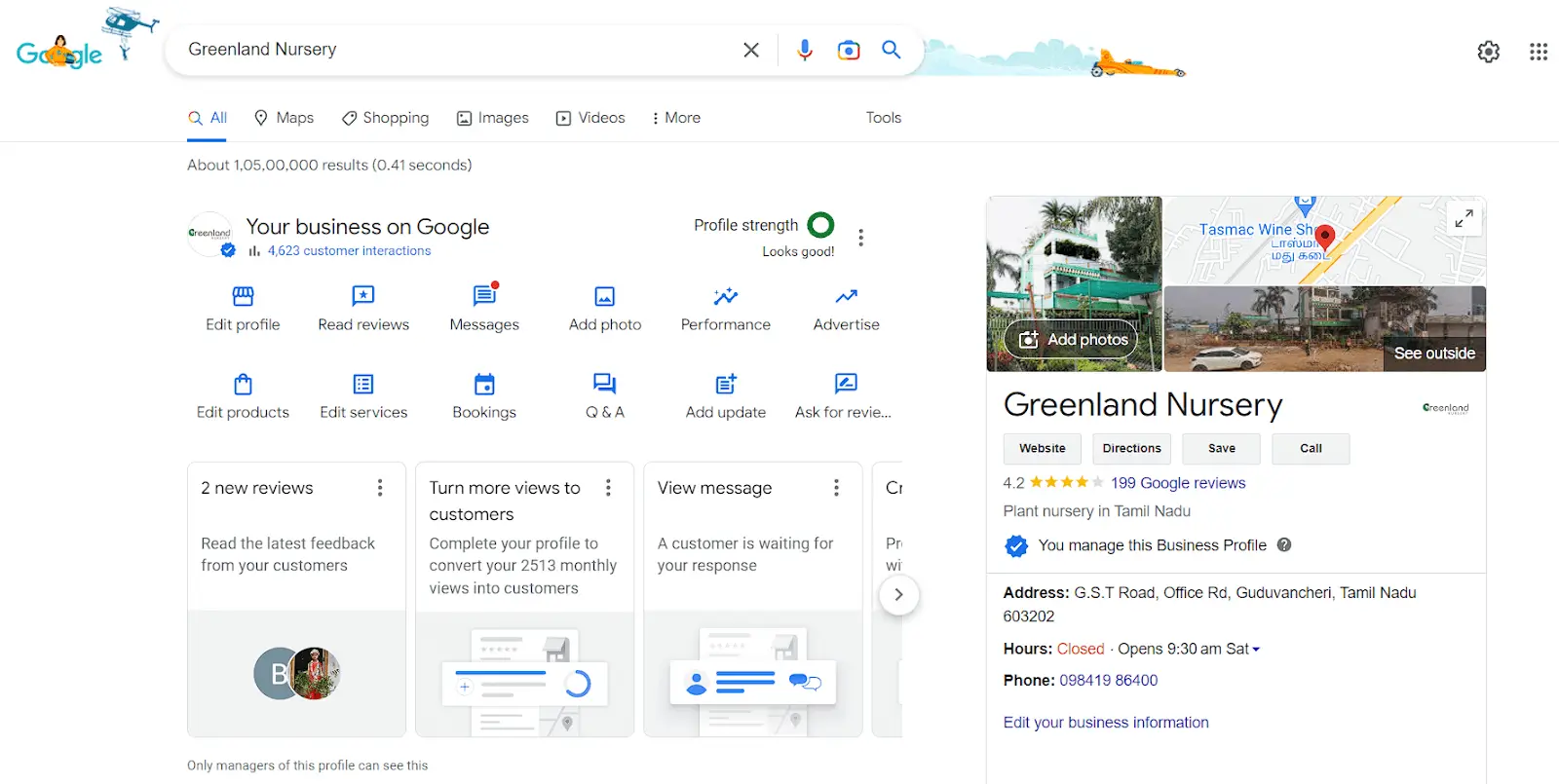
- Sign in to your Google account that you used to create the business listing. If you see your business listed, click on it to manage it.
- If your business is not listed, click "Add your business to Google" and follow the prompts to create a new listing.

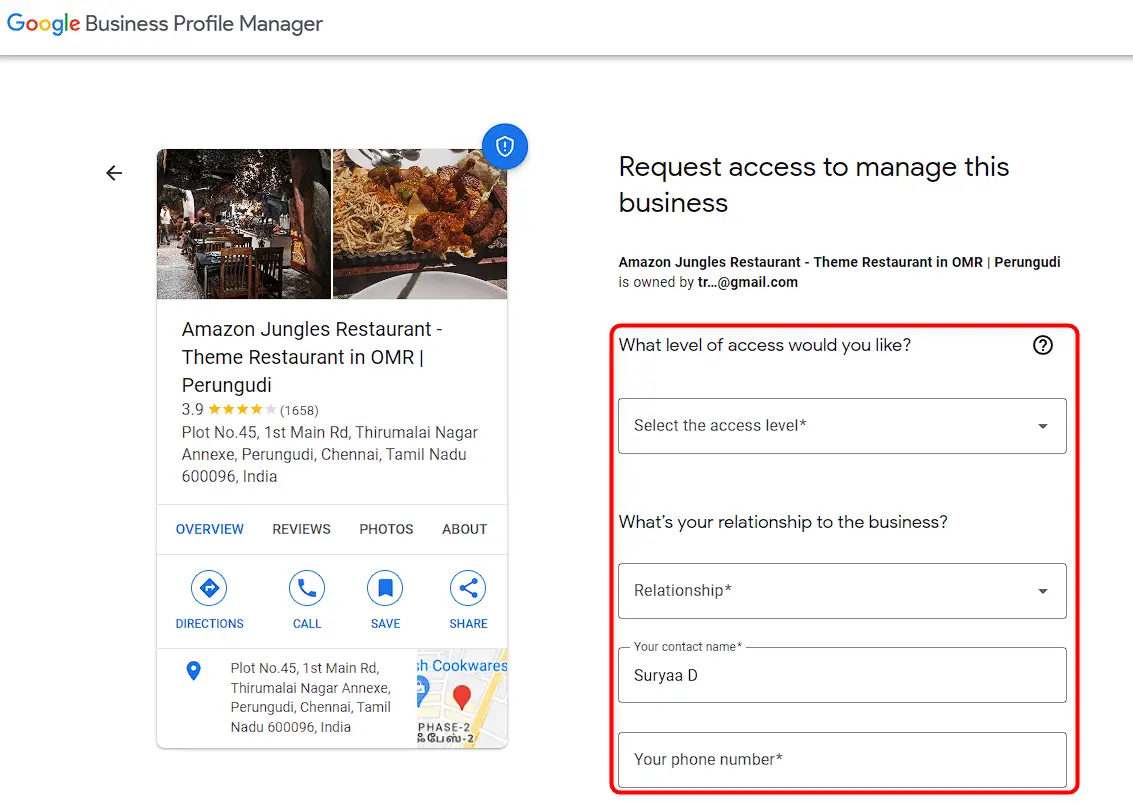
- If your listing is already claimed by someone else, click on "Request Access" and follow the prompts to request access.
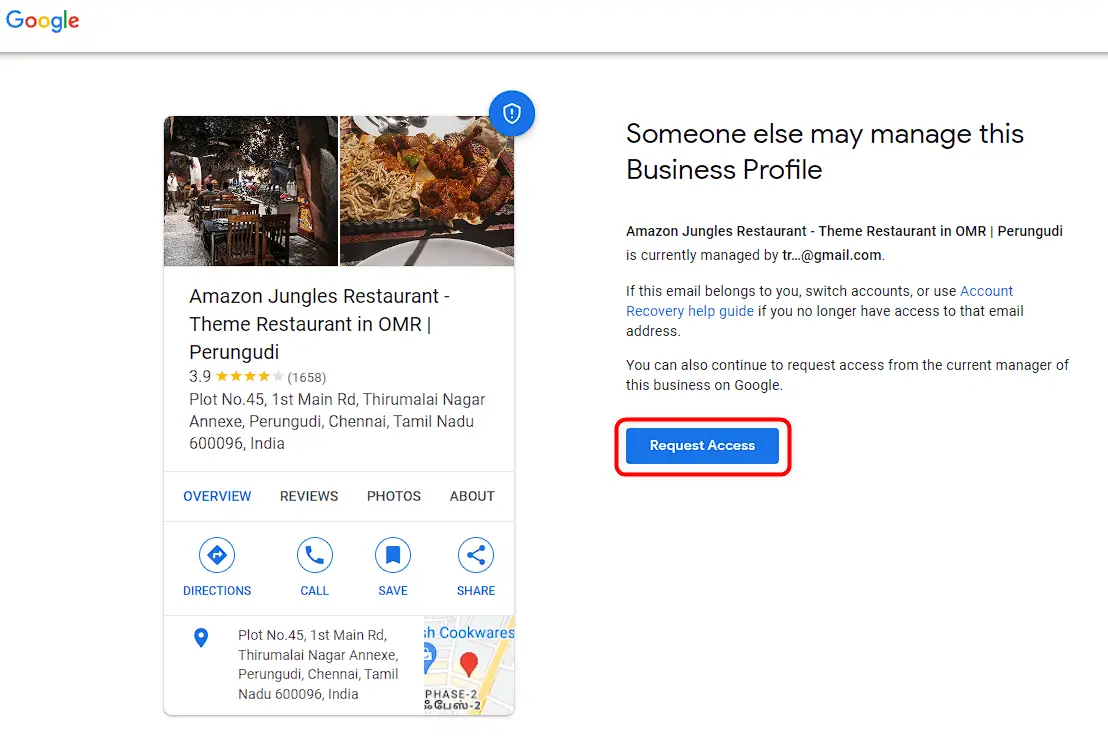
- Provide some basic information about the business, such as the level of your access, relationship, name, and phone number.
- If the current owner is unresponsive or has left the company, use the Google My Business Help Center to report a problem with your listing.
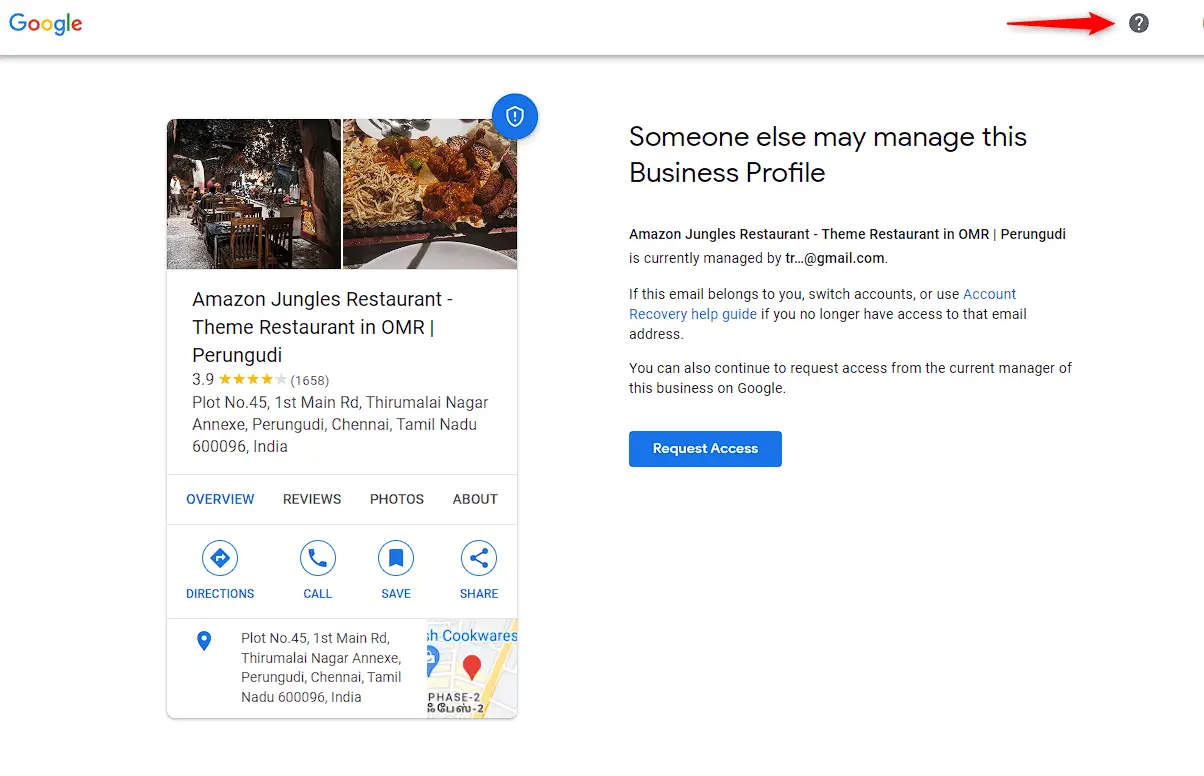
- Click on "Request ownership of a Business Profile" and follow the prompts to report the issue.

- Be sure to provide as much detail as possible about the problem and your attempts to contact the current owner.
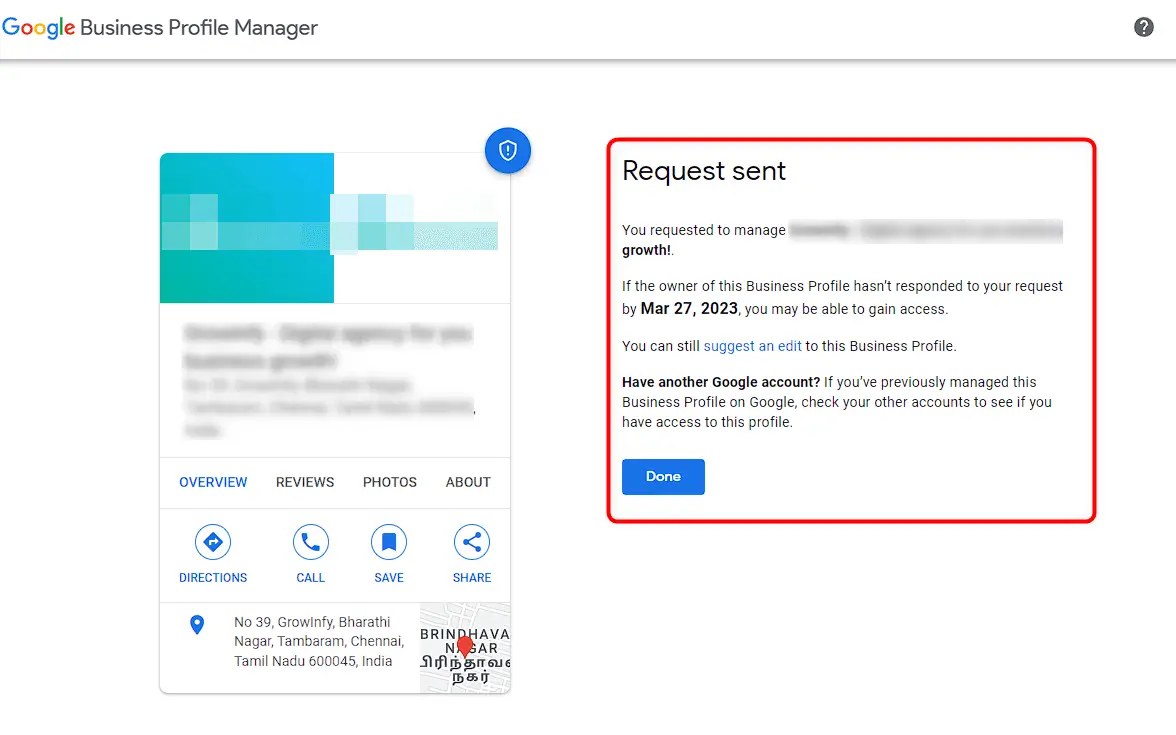
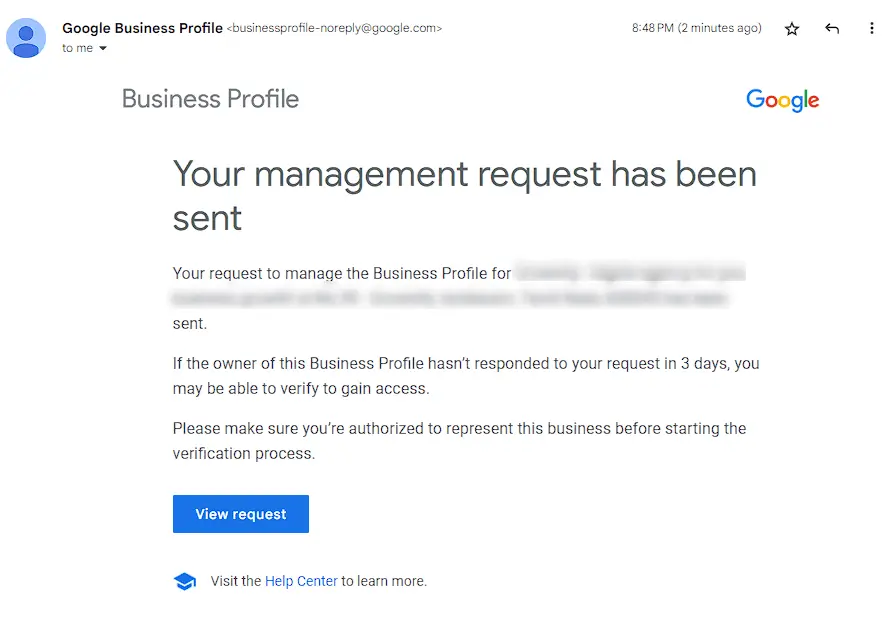
- After submitting your request, Google may contact you for more information or to verify your ownership of the business.
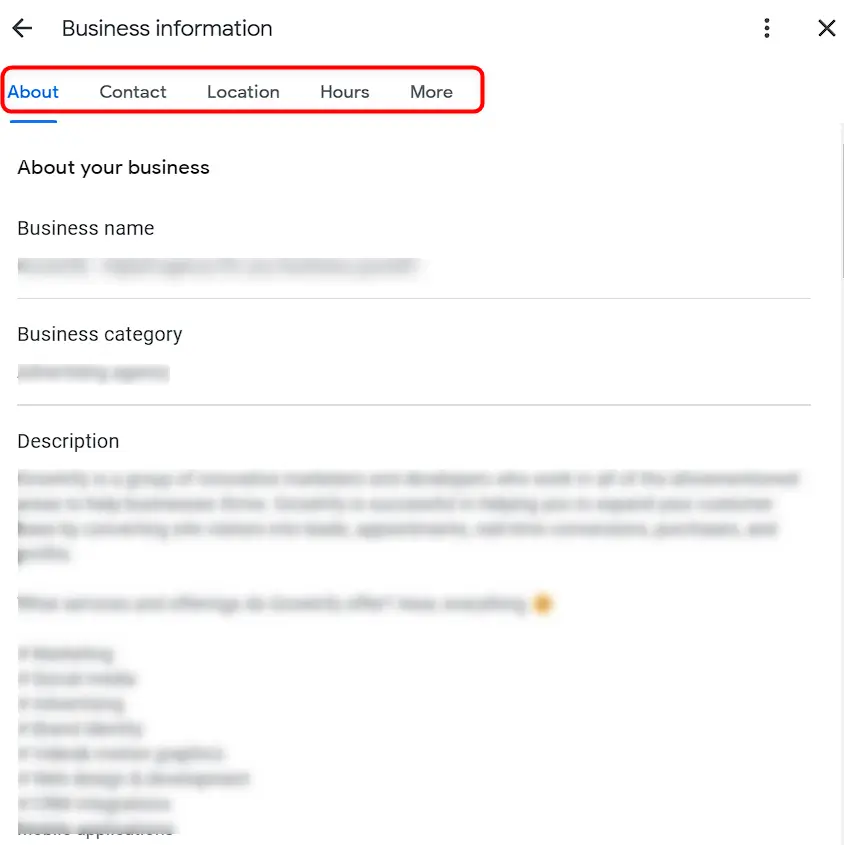
- Once you have access to your business listing, make any necessary updates to ensure that the information is accurate and up-to-date.
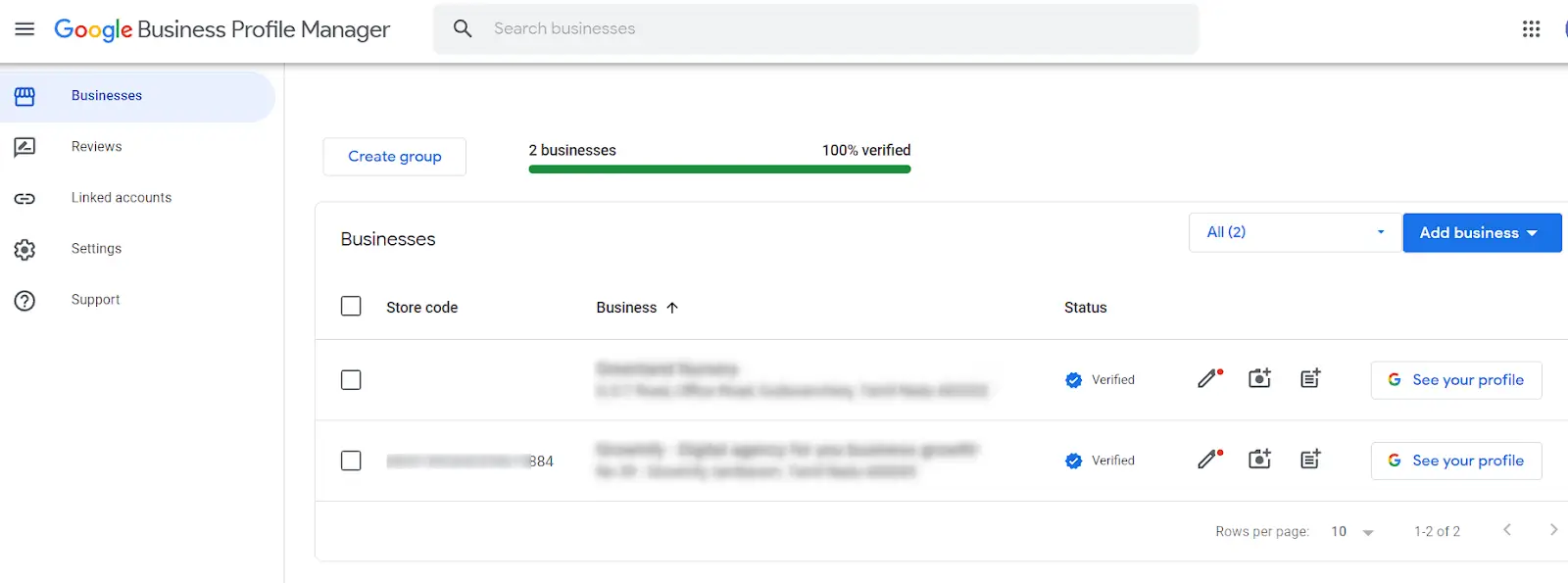
- This may include updating the business name, address, phone number, hours of operation, and website URL.
- Respond promptly to any requests from Google to ensure a timely resolution.
That's it! By following these steps, you should be able to recover your Google Business Listing and get your business back on track.
To Conclude
In today's digital age, having a Google Business Listing is essential for businesses to succeed online .It enables them to manage their online presence, improve visibility, and engage with consumers. Businesses can use tools like Synup's Presence Management to make the process of managing GMB Listings easier and more efficient. This tool automates the process of managing business information across multiple platforms, ensuring that data is accurate and up to date across Google and other important directories. Businesses can attract more customers and grow their business by using Synup's GMB Listings Management.
